
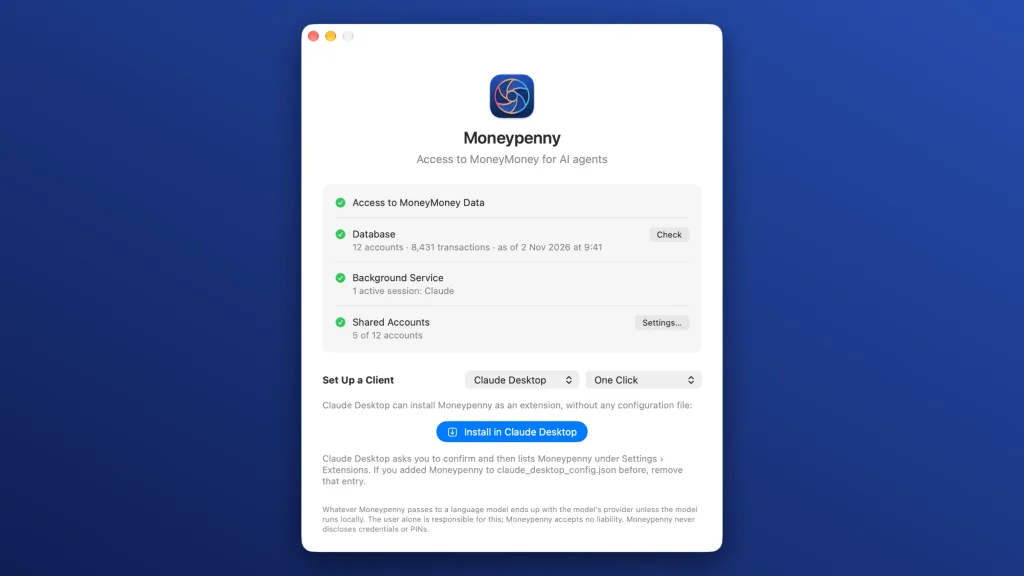
Moneypenny is an MCP server for MoneyMoney that gives language models like Claude read-only access to your accounts, transactions and portfolios.
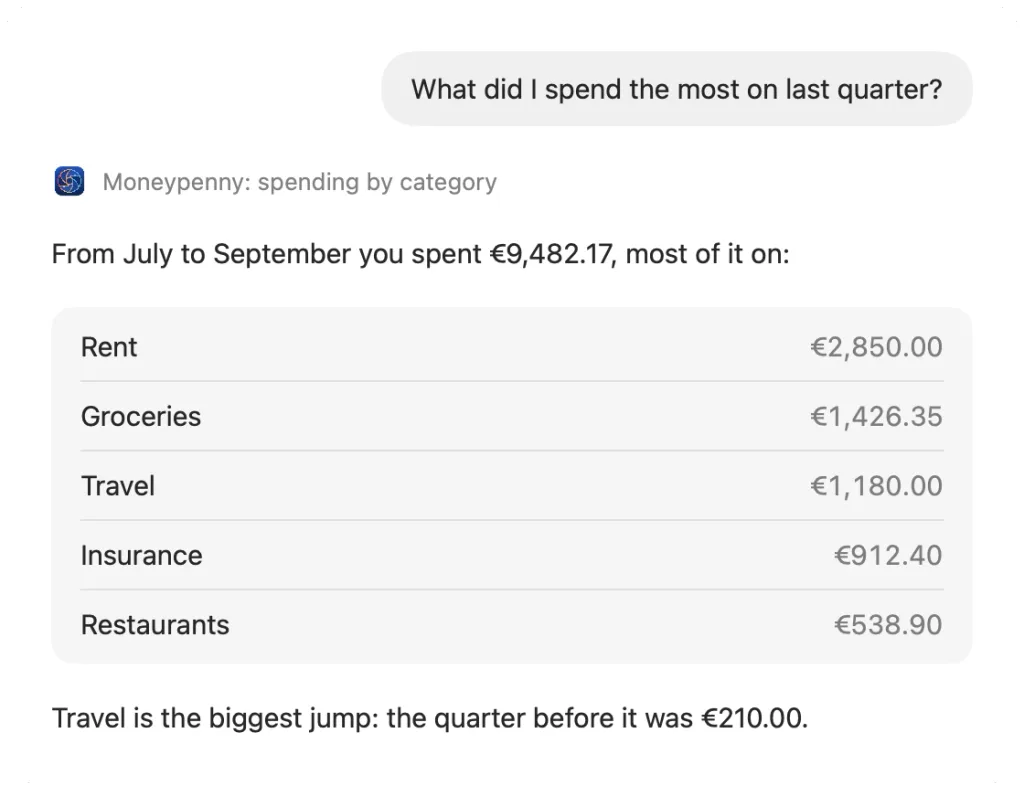
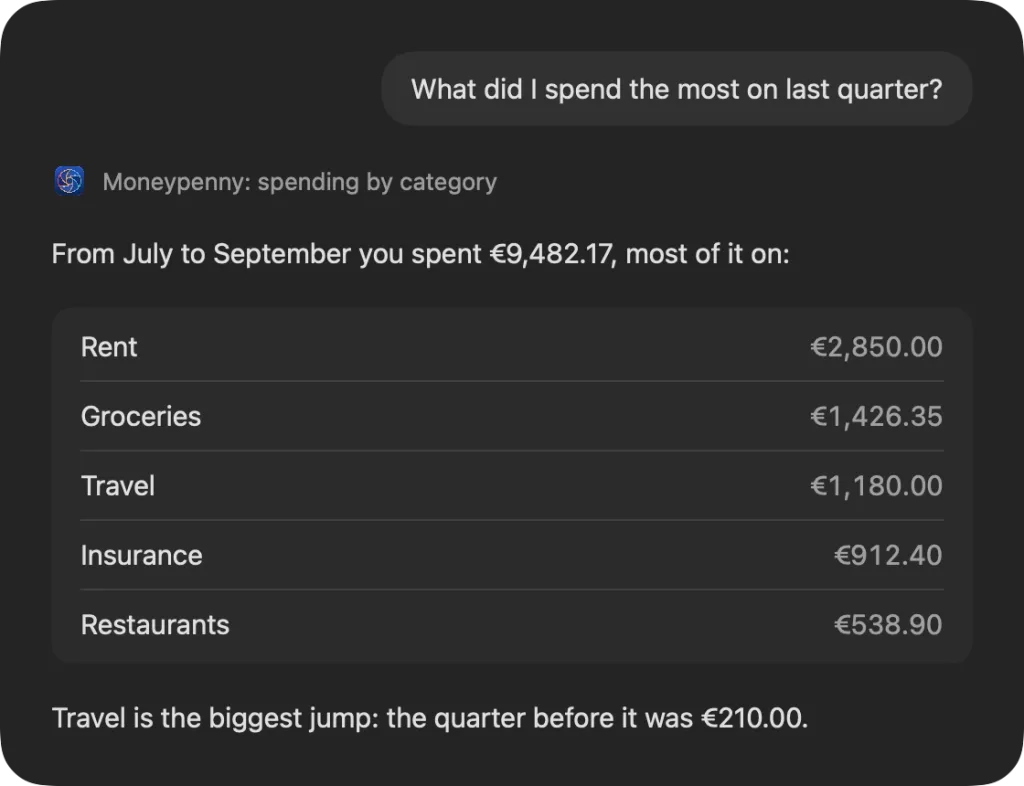
Ask your agent about your spending last quarter, the history of an account or the state of your portfolio: it gets the data through Moneypenny, straight from MoneyMoney, and works it out, in clients like Claude, Codex, Cursor, VS Code or Zed. Moneypenny checks the setup, adds herself to Claude Desktop, Cursor, VS Code and LM Studio with one click and looks for new versions by herself.
Moneypenny only reads, from a clone she deletes right away. No agent ever gets to see bank credentials or PINs. Whatever the language model reads ends up with the model's provider unless it runs locally; what you pass on is up to you.
The pictures on this page show a made-up Mac.
What the agent can look up
Through Moneypenny the agent reaches your data in MoneyMoney. It picks the tool it needs by itself; you just ask.
It sees accounts and account groups with their balances, notes and custom fields, categories with their budgets, standing orders, transfers sent and templates, securities in a portfolio with price, value and gain, bank statements and documents with their text.
It searches transactions by account, category, period, amount, text, counterparty or checkmark, sums up income and spending by category, month, account or counterparty and fetches the history of a balance over days, months or years.
For anything else it can run read-only queries of its own on the database, if you allow it.
Touches nothing, tells nothing
Moneypenny cannot change anything in MoneyMoney. She never opens the database herself but makes a clone that takes no extra space, opens it read-only and deletes it right away. When MoneyMoney changes its data, Moneypenny reads a new clone the next time.
Some things stay under lock and key, even for the agent: Moneypenny never hands out bank credentials, PINs or certificates, not even to a query the agent writes itself. She keeps no password; she takes the database's from MoneyMoney's own keychain item.
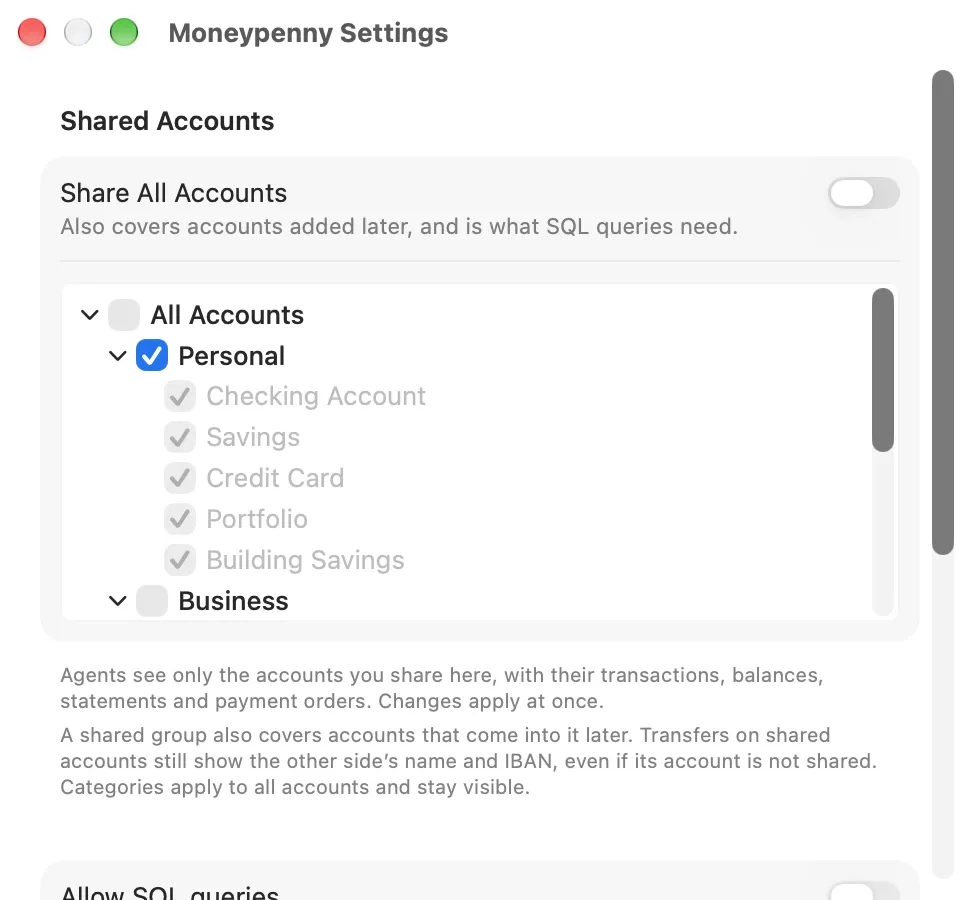
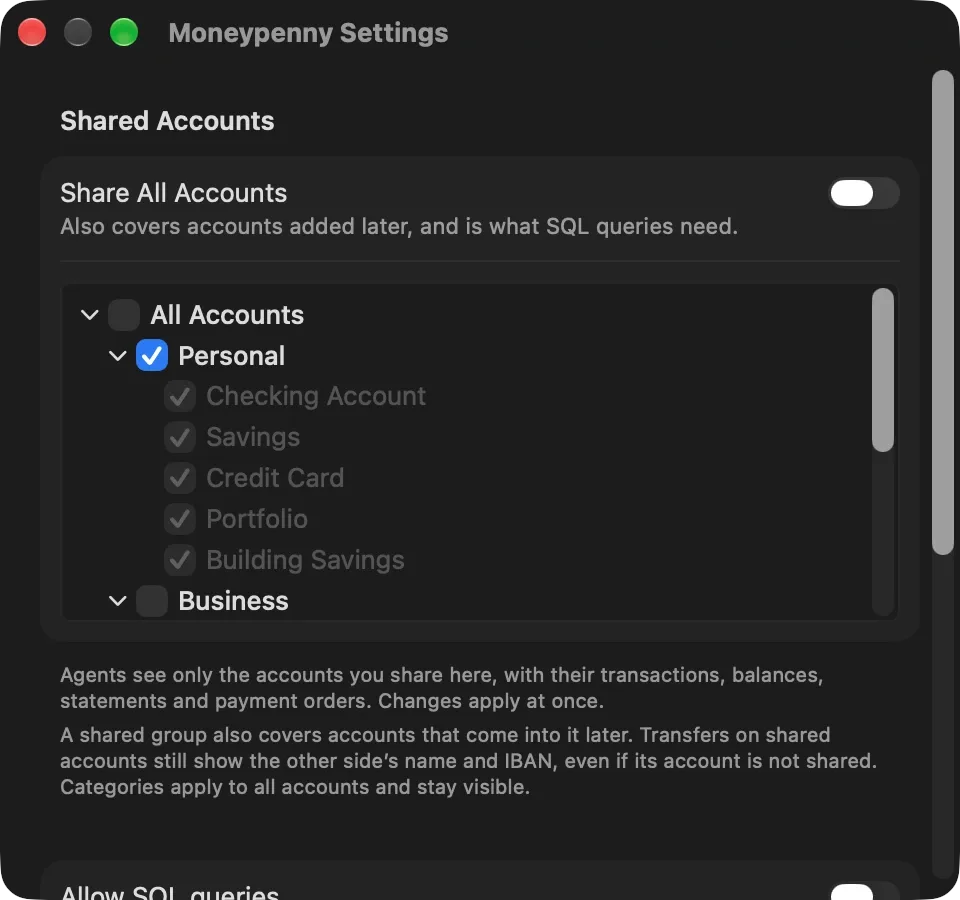
Which accounts the agent sees at all is up to you: in the settings, under “Shared Accounts”, you choose account groups and single accounts, or everything with “Share All Accounts”. Until you share something, it sees no account.
The agent runs queries of its own only if you share all accounts and turn on “Allow SQL queries” in the settings. It is off by default, and even then all it can do is read.
For safety's sake your data cannot be changed through Moneypenny, and there is no interface for writing to MoneyMoney's database anyway. MoneyMoney itself offers AppleScript for this: it can set categories, comments and checkmarks or prepare transfers, for example. If your agent may run scripts, it can do that on its own. Moneypenny plays no part in it, and her limits do not apply there, not even the choice under “Shared Accounts”.
Three checks, then one click
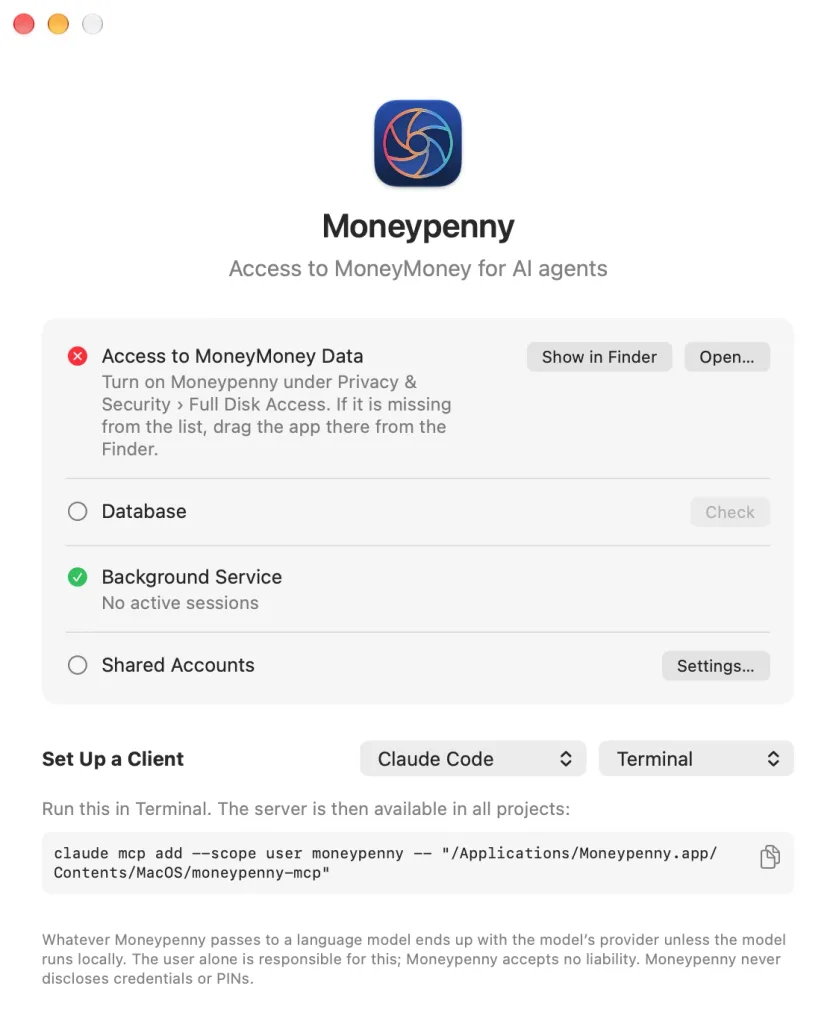
Moneypenny needs a database password in MoneyMoney and “Unlock automatically at application start” there, so that the password is in the keychain. And Full Disk Access in System Settings, to be allowed to read MoneyMoney's data.
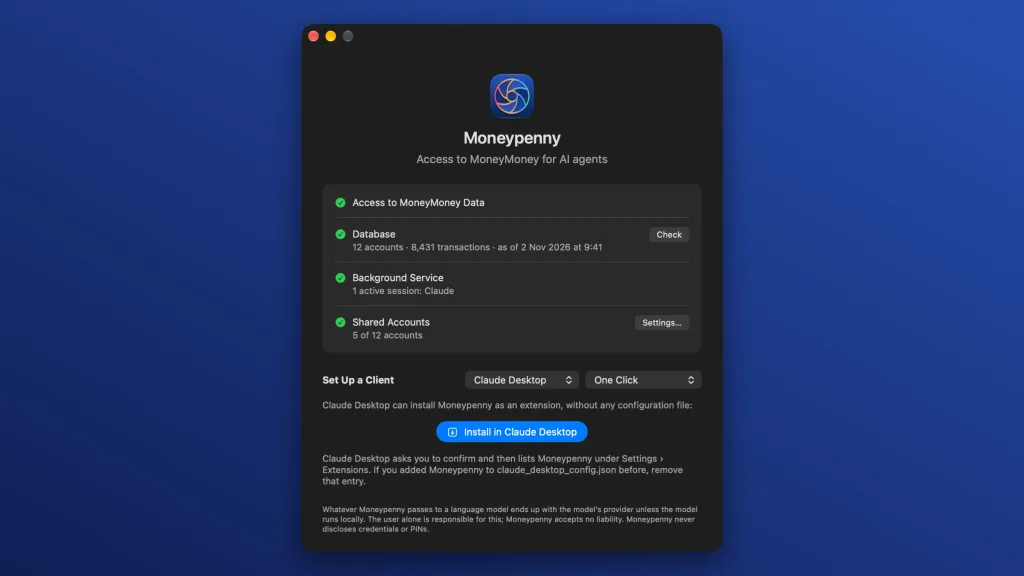
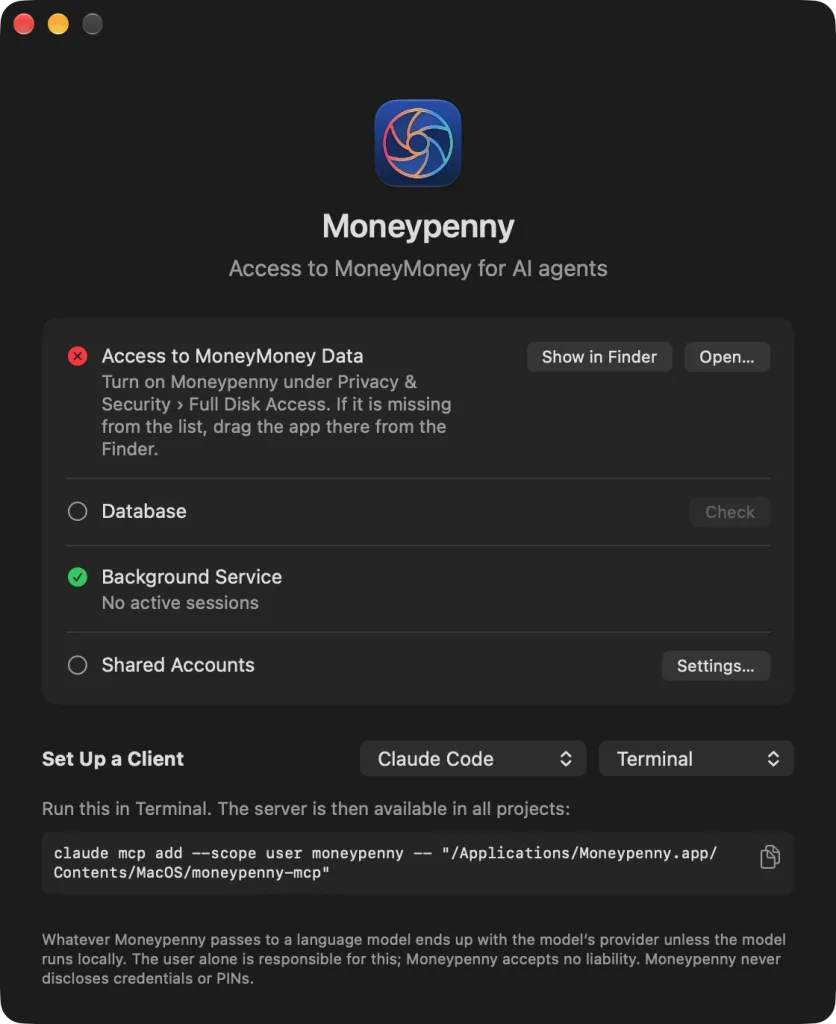
Moneypenny's window checks this in turn: “Access to MoneyMoney Data”, “Database” and “Background Service”. If something is missing, it says what to do and opens the right place in System Settings.
Below, “Set Up a Client” sets up the client of your choice. Claude Desktop, Cursor, VS Code and LM Studio get Moneypenny with one click on “Install in …”; you only confirm. For Claude Code, ChatGPT / Codex, Windsurf, Zed and Gemini CLI, Moneypenny shows what goes into the app's settings, Terminal or the configuration file, with a button to copy it; a second menu picks the way. For all others there is the “Setup Prompt”, with which the client adds Moneypenny itself. Only Moneypenny holds the key to MoneyMoney's data, not every client that comes asking: her background service reads the data.
- Price
- Free
- Requirements
- macOS 14 or later · Apple silicon and Intel
- App languages
- German, English