
Apps
Only in the apps you switch on
Space Glider takes the SpaceMouse only while an app you switched on is in front. Apps switched off, and apps Space Glider does not know yet, keep it. Every app can have settings of its own; without them it follows the defaults.
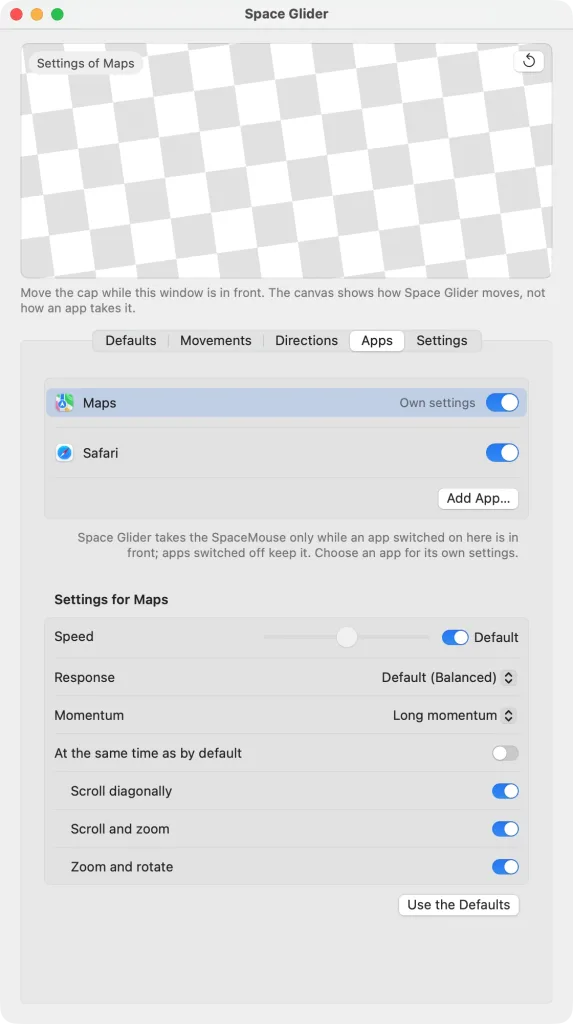
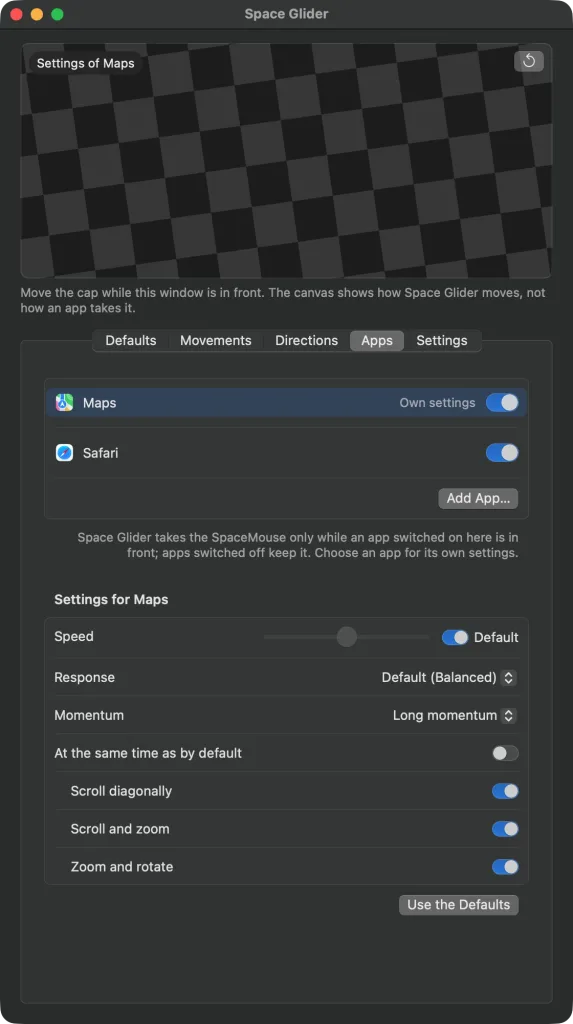
The list
In the “Apps” tab every app has a switch, and “Add App…” adds more. Apps switched off show “Keeps the SpaceMouse”, apps with values of their own “Own settings”. “Remove from List” in the context menu takes an app out again.
Apps with their own SpaceMouse support, Kugelblitz for one, get the SpaceMouse themselves, with and without 3DxWare.
An app's own settings
Choose an app in the list, and its settings appear below it, and the canvas shows them: “Speed”, “Response”, “Momentum” and what runs at the same time. Each follows the default until you change it – for the speed the “Default” switch, for response and momentum the entry “Default (…)”, for the movements “At the same time as by default”. A setting of its own stays when you change the default later. “Use the Defaults” takes back all the app's own values.