Flying
Fly like a pilot
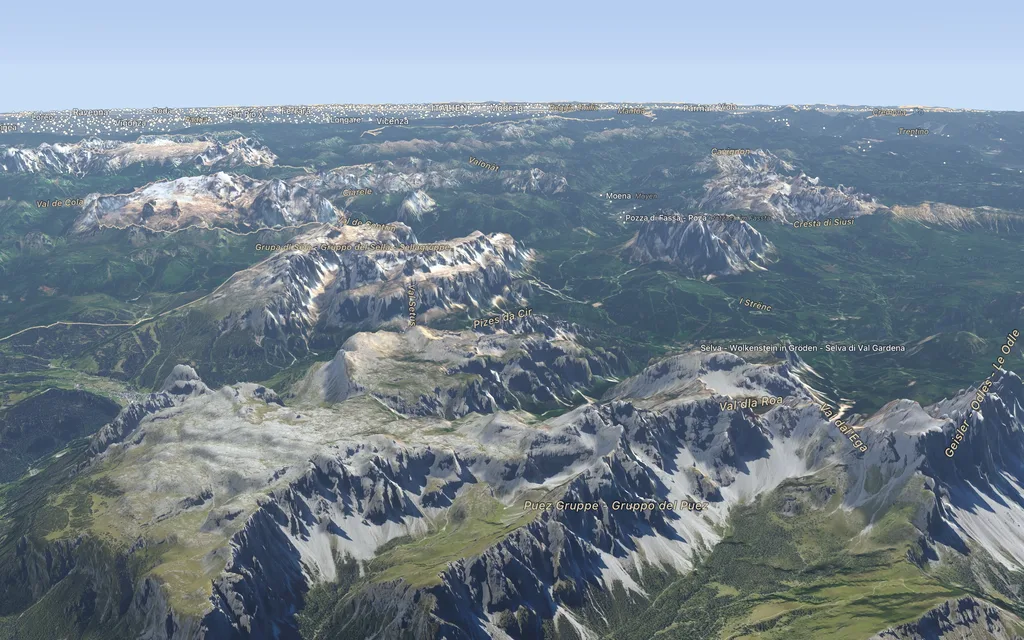
With keyboard, trackpad, mouse or SpaceMouse, several at once too: as a pilot, around a point or straight down, with smooth flights to any destination, banking into turns if you like.
SpaceMouse
| Movement | Effect |
|---|---|
| push | fly over the ground |
| push down or pull up | sink or climb |
| twist | change course |
| tilt back | tilt towards the horizon |
| left button | north up |
| right button | to your own location |
Speed and momentum are in Settings (⌘,) under Controls.
Mouse, trackpad and keyboard
Drag to pan, scroll or pinch to zoom, ⌥-drag or right-drag to rotate and tilt, double-click to fly closer. ⌘0 shows the whole Earth, ⌥⌘N puts north up.
Search and location
The search finds names, coordinates in any notation and links of map services. “My Location” shows where you are, and the view can follow it.
Apple Vision Pro
Kugelblitz also shows the globe in space, in Apple Vision Pro.