Your places and data
Your places, your data
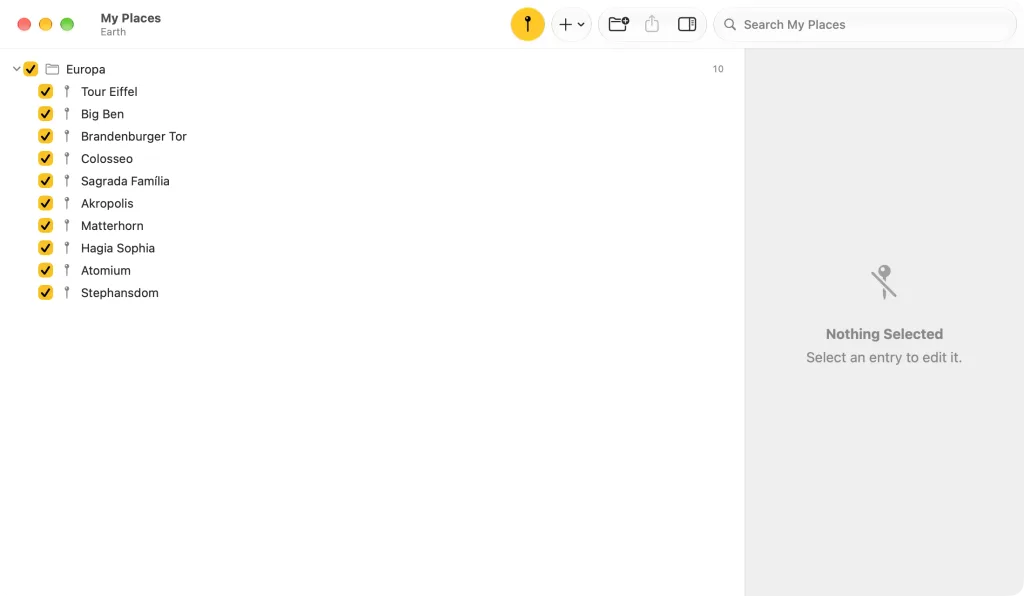
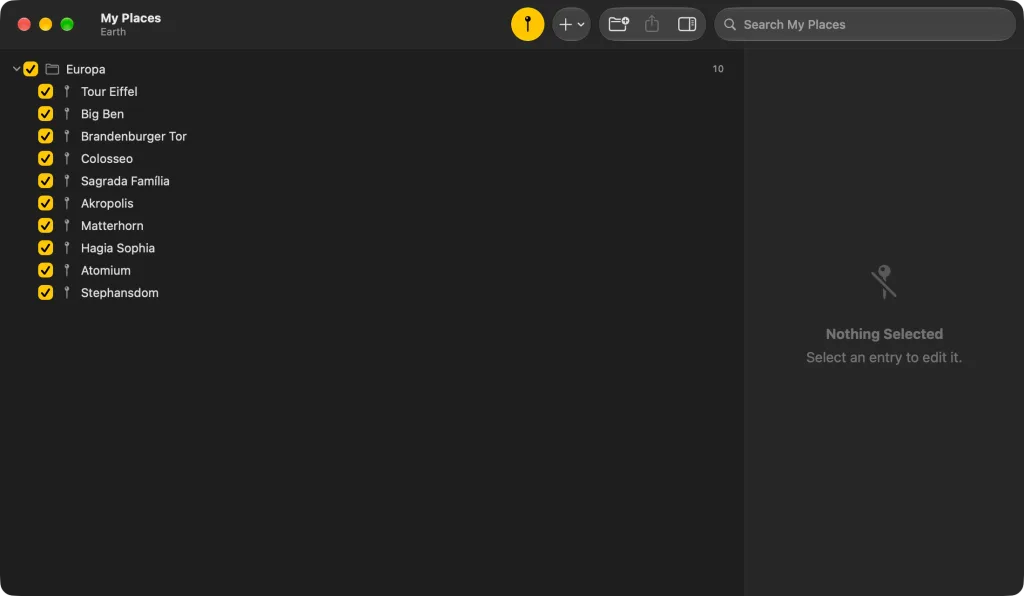
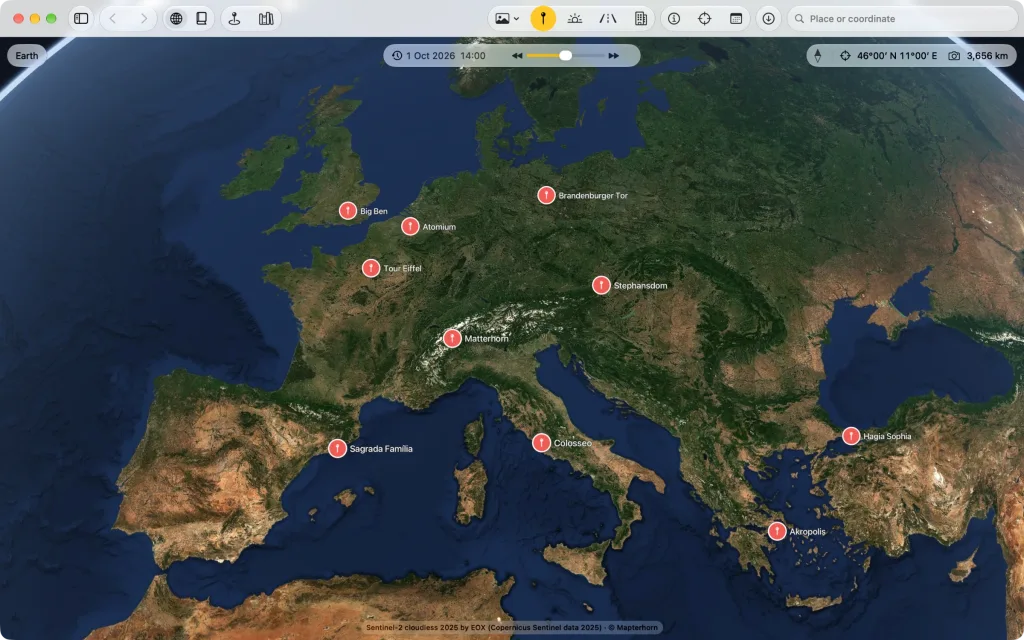
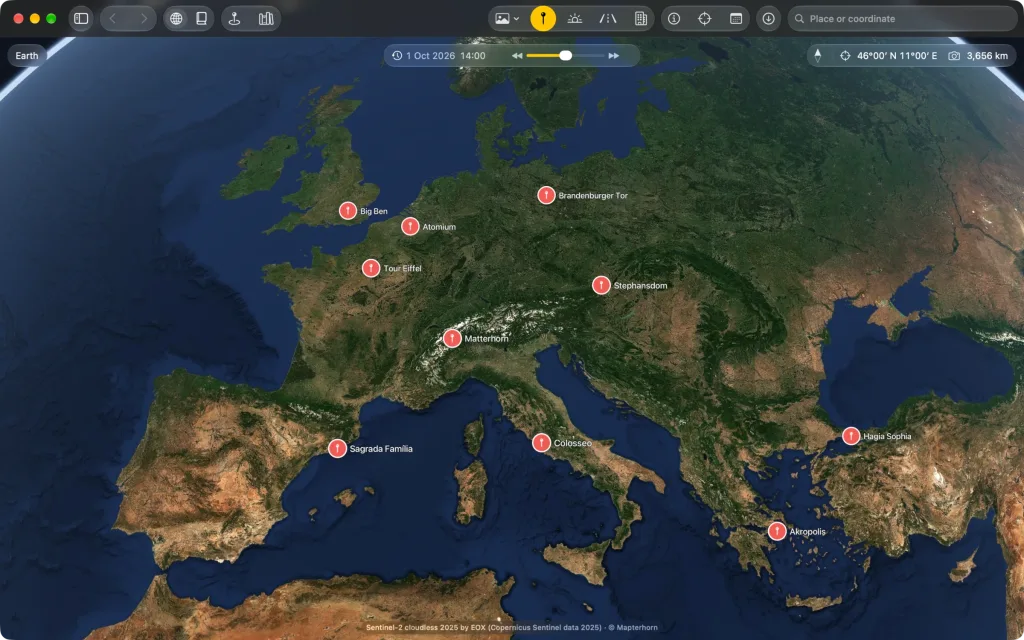
“My Places” keeps your own places, lines, areas, images and sources in folders, per body and with undo, and shows them on every kind of map. On the globe Kugelblitz merges markers that overlap into one with their number.
“Split into Folders” divides large collections by country, region, municipality, map sheet, time, first letter or a data field; “Move to Another Body” moves what landed on the wrong body.
Import and export
KML and KMZ, GeoJSON and GPX go in and out, by double-click in the Finder too. There are also GeoTIFF images, tile and map services (WMTS, WMS), network links, tours and tracks with times to play back.
GML, shapefiles, GeoPackages, GeoParquet, FlatGeobuf and tables with columns for latitude and longitude come in too, in their coordinate system, arcs as arcs. A file on this Mac can also be a source that Kugelblitz reads where it lies, and again as soon as it changes.
Development plans
Plans in XPlanGML of all versions, as a file or an archive, come with their designations in the colors of plans, data and documents; a PDF opens in Preview. Only the original at the municipality is legally binding.
Flights
Flights from flight recorders in IGC format and Garmin's data logs come with altitude, speed, course and attitude at every point. On the globe they fly at their height, with a curtain down to the ground; during playback Kugelblitz shows the values of the moment.
Saving views
A view can be saved as a place, as a picture (PNG, JPEG, HEIC, WebP), as a spatial photo or as a map from above in GeoTIFF format.
Tours and films
Tours are made in “My Places” from your own places: each stop has its time to stay and the kind, duration or speed of its flight. File → “Save as Video …” turns a tour or a flight into a film in HEVC, H.264 or ProRes up to 8K, in 3D if you like, as a spatial video for Vision Pro, iPhone and Mac. Every frame waits until all it shows is there.