Apple Vision Pro
The Mac streams the globe into the headset
The Mac draws, the headset shows: View → “Show on Vision Pro…” (⌥⌘V) brings the globe all around you, without an app on the headset, from an M1 too. Checked with Mac and headset on 27.2.
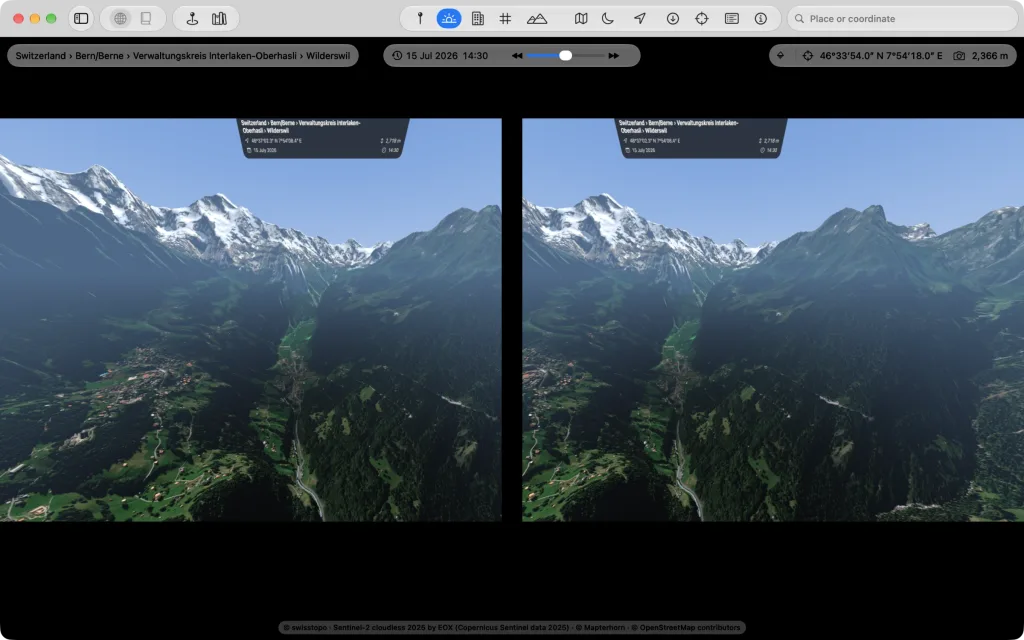
All around you
You look around with your head; keyboard, mouse and SpaceMouse on the Mac keep steering. The headset draws sharpest where you look, and the sharp spot moves with your gaze.
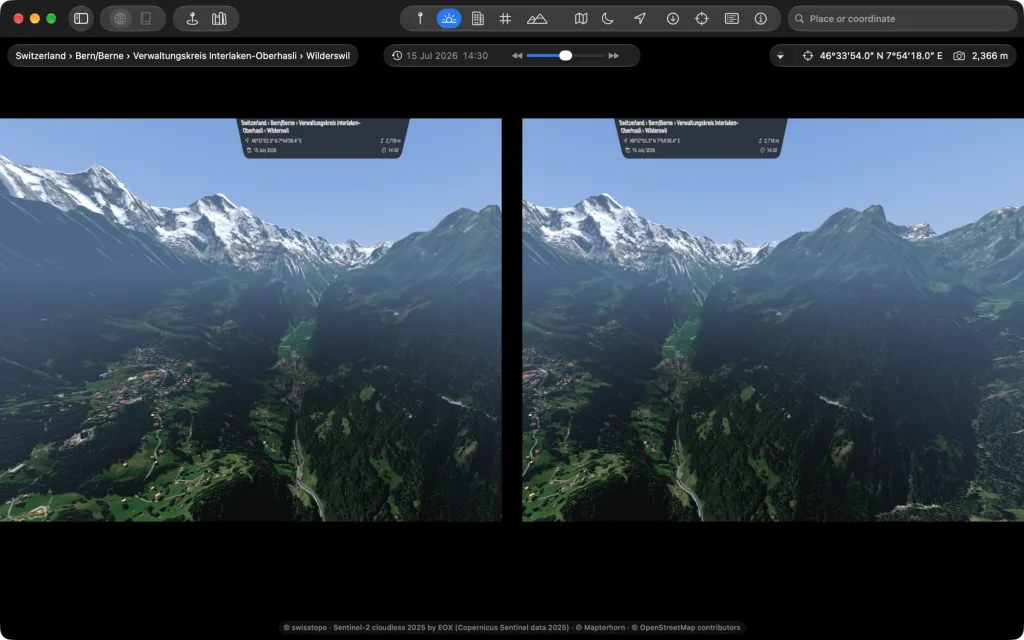
The picture above shows what the Mac draws; it is not a recording from the headset.
With your hands
Look at a point and tap thumb and index finger together:
| Gesture | Effect |
|---|---|
| double tap | fly to the point you look at |
| tap and drag | grab the ground |
| both hands apart and together | closer and farther away |
| both hands turned against each other | turn the globe around the point |
| both hands lowered and raised | tilt the view |
The Earth as a model
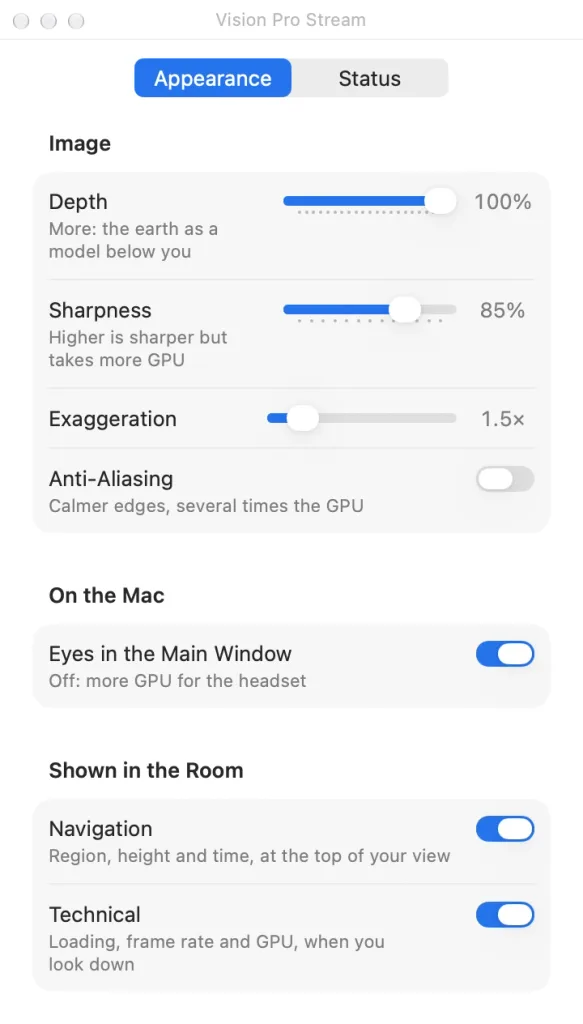
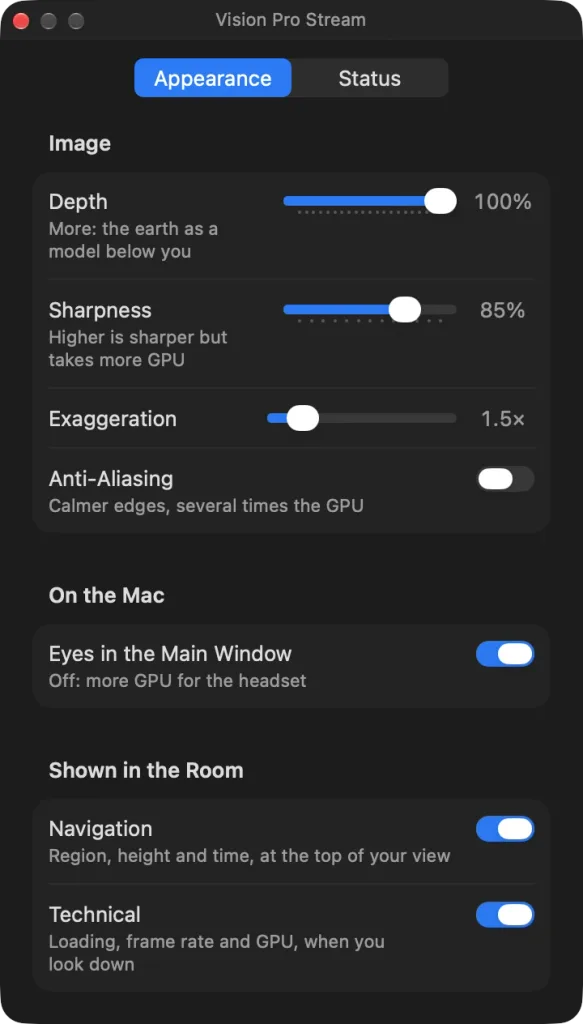
At its true size the Earth has hardly any depth in the headset: your eyes see everything farther away than a few hundred meters alike. So it shrinks with height to a model you stand over, and mountains and valleys stand out in space. You set how much under “Depth”.
Adjust while streaming
The window “Vision Pro Stream” holds “Depth”, “Sharpness”, “Exaggeration” and “Anti-Aliasing”; they work at once, while you see in the headset what they change. “Status” shows how the connection is going.
The headset shows only the globe, not the atlas.