
Scenes
One move instead of many switches
Kugelblitz has many switches. A scene remembers under a name what is set in the sidebar – body, kind of map, day and night, sky, the map's themes – and brings it back in one move, instead of switching everything by hand.
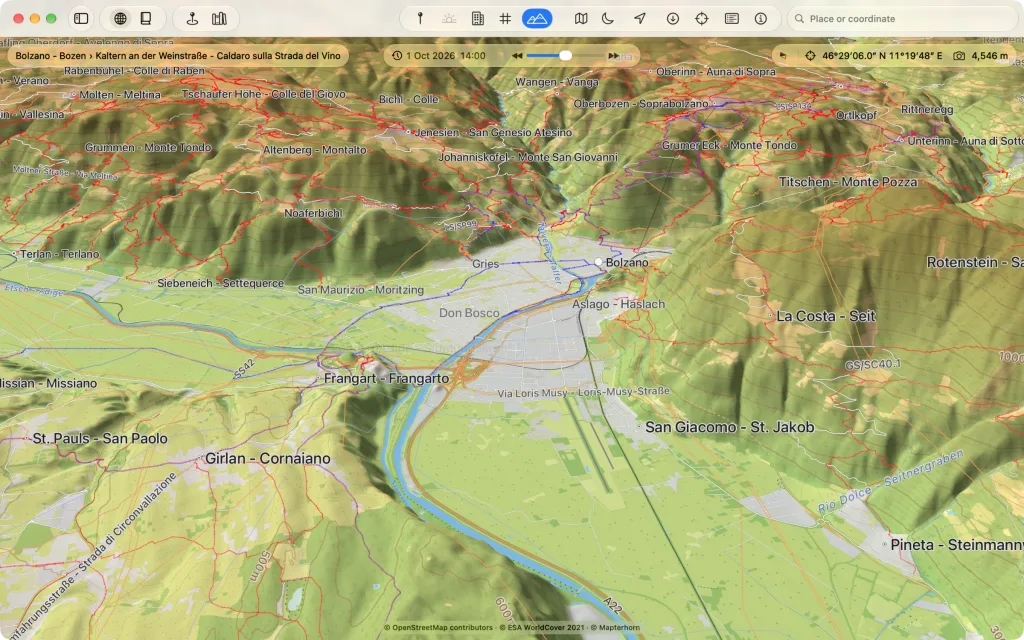
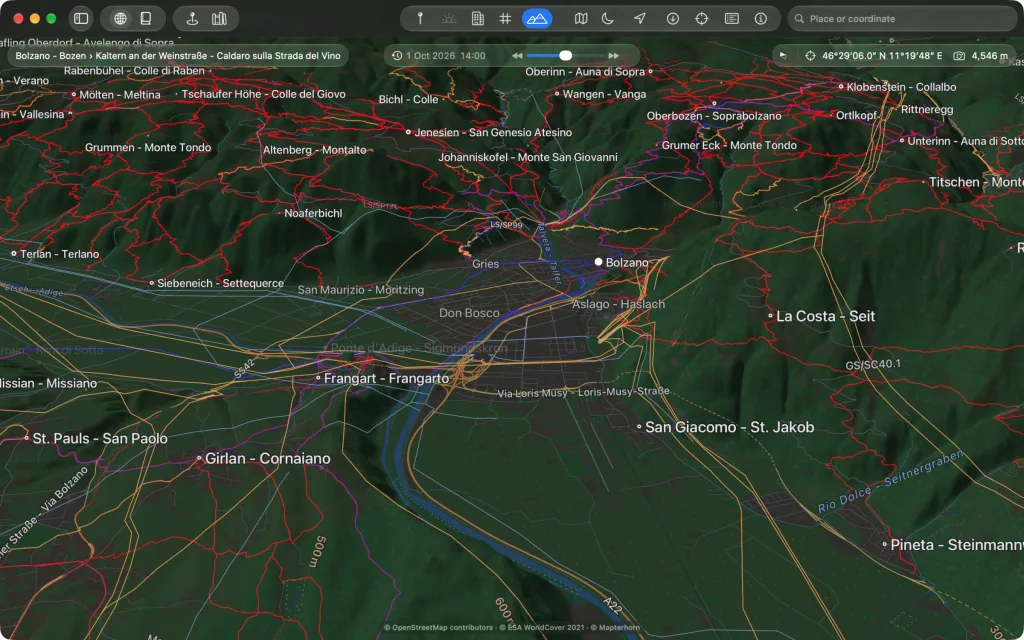
In one move
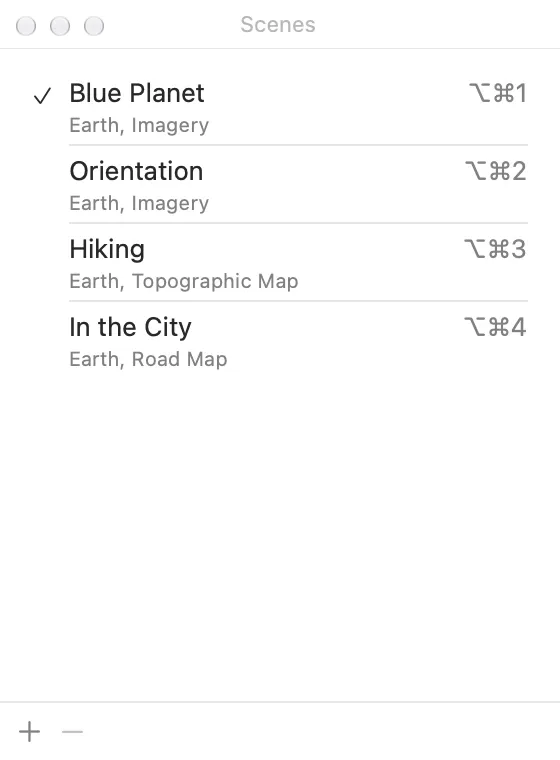
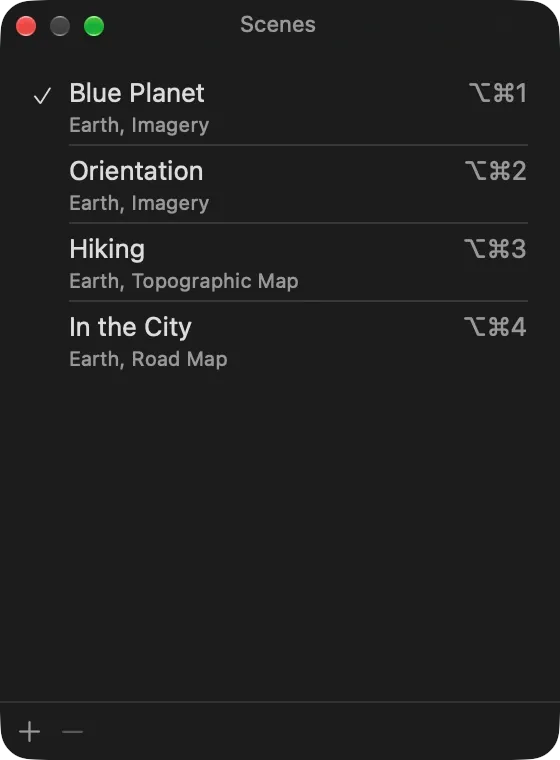
The first nine scenes of the list are on ⌥⌘1 to ⌥⌘9. All of them are in the View menu under “Scenes” and in the window “Scenes” (⌥⌘S), where a double-click or ↩ applies a scene. The change happens at once, to another body too, and Edit → “Undo” takes it back.
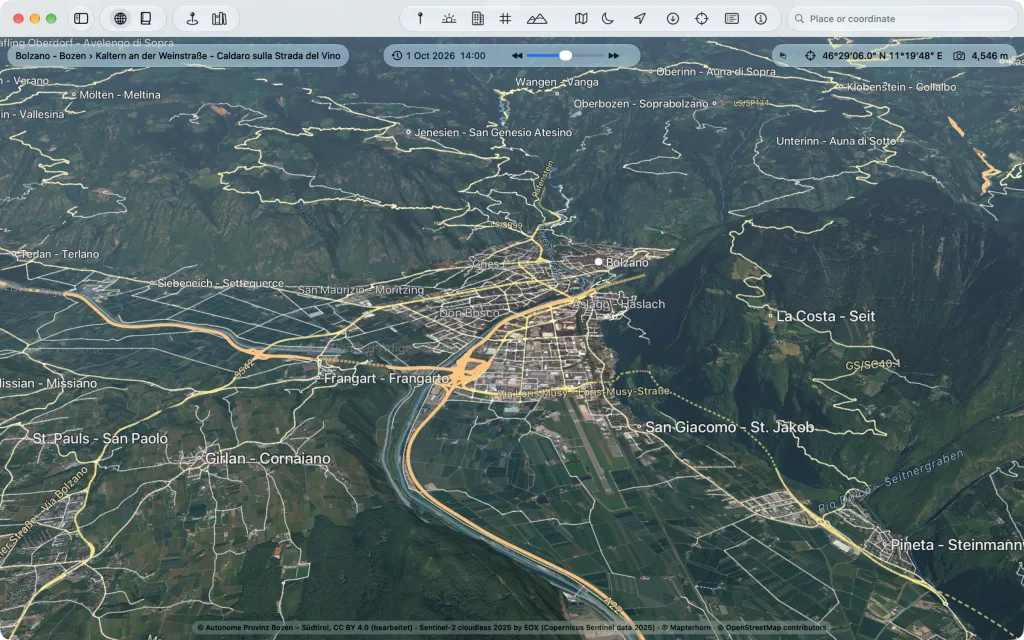
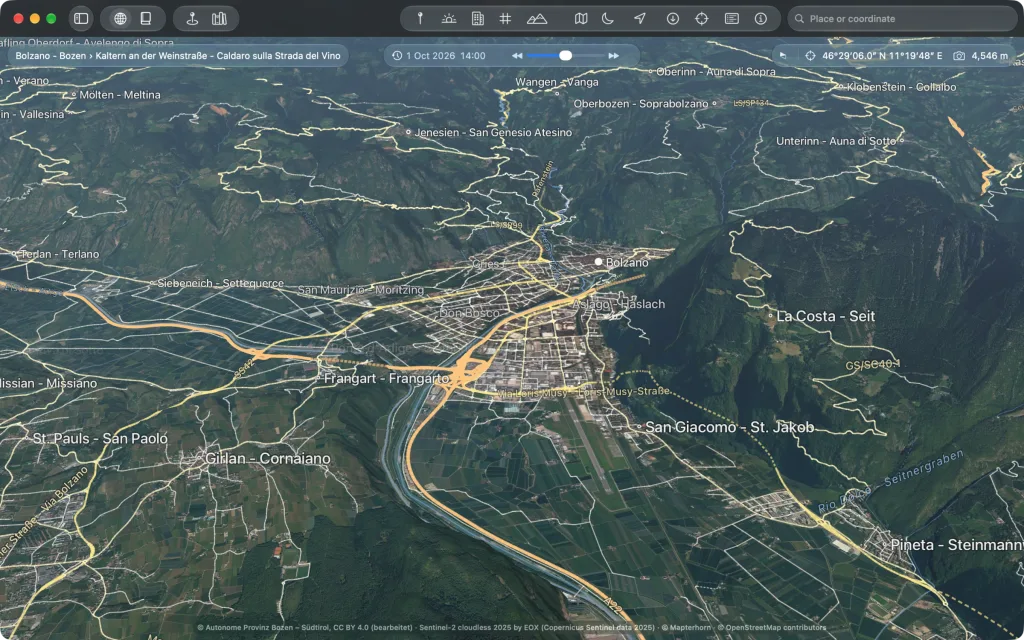
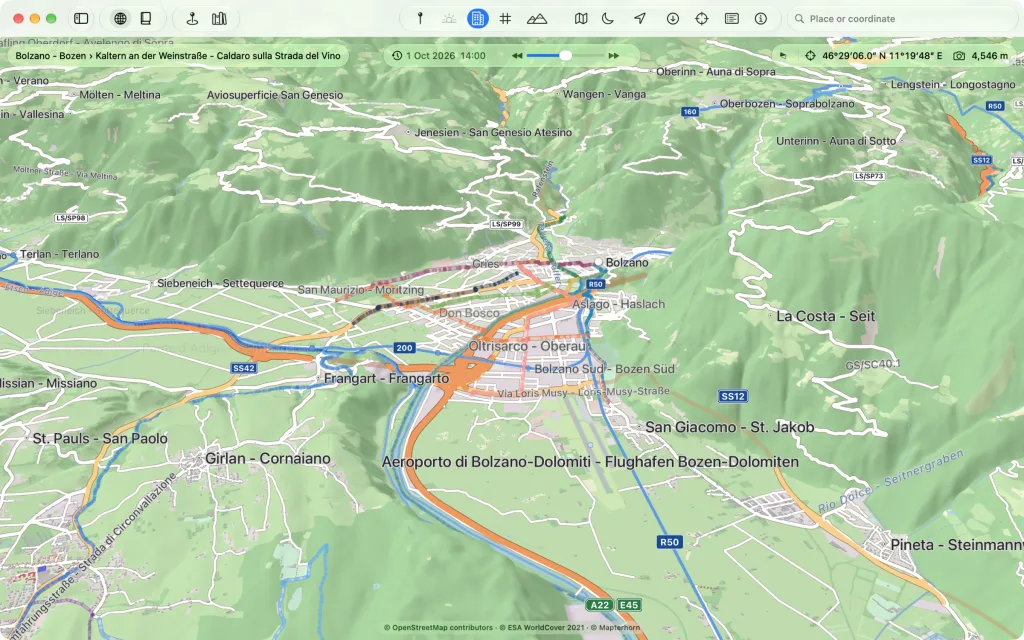
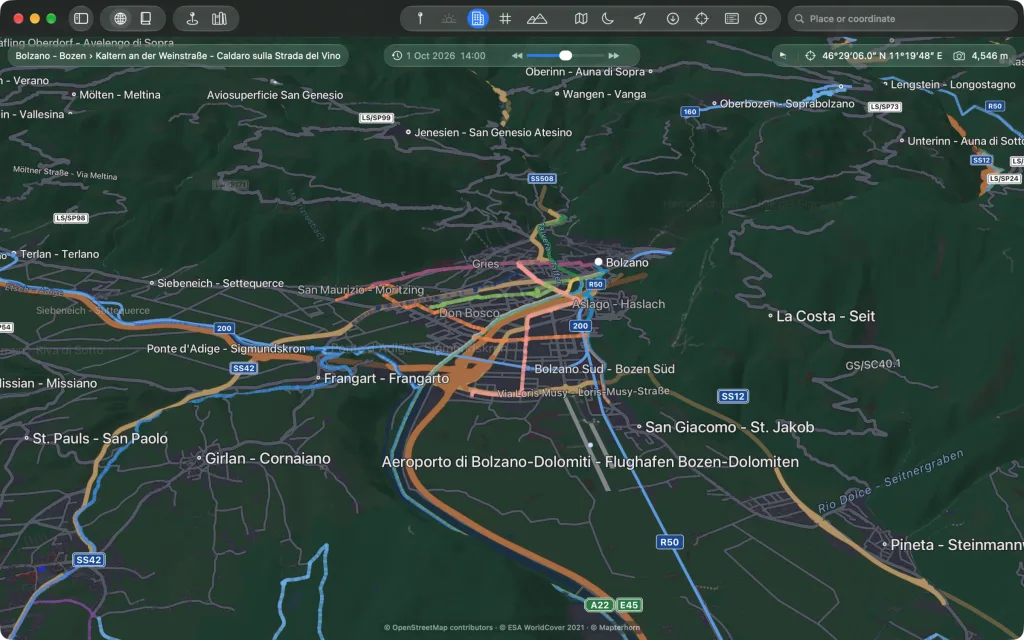
Included
| Scene | What it sets |
|---|---|
| Blue Planet | Imagery with day and night and the lights at night |
| Orientation | Imagery with countries, regions, cities, waters and roads |
| Hiking | the topographic map with paths, hiking routes, huts, peaks and contour lines |
| In the City | the road map with stops, the lines of public transport, shops and buildings |
They are scenes like any other: you can change, rename and delete them.
Your own scenes
Set in the sidebar what is to be seen and click “+” in the window “Scenes”. If you switch something afterwards, the scene applied last shows “changed”, with “Save Changes” and “Reset”. The order of the list decides the shortcuts.
What does not belong to it
Camera, moment and globe or atlas are not part of a scene: you stay where you are. If a scene changes the body, you arrive where you last were.