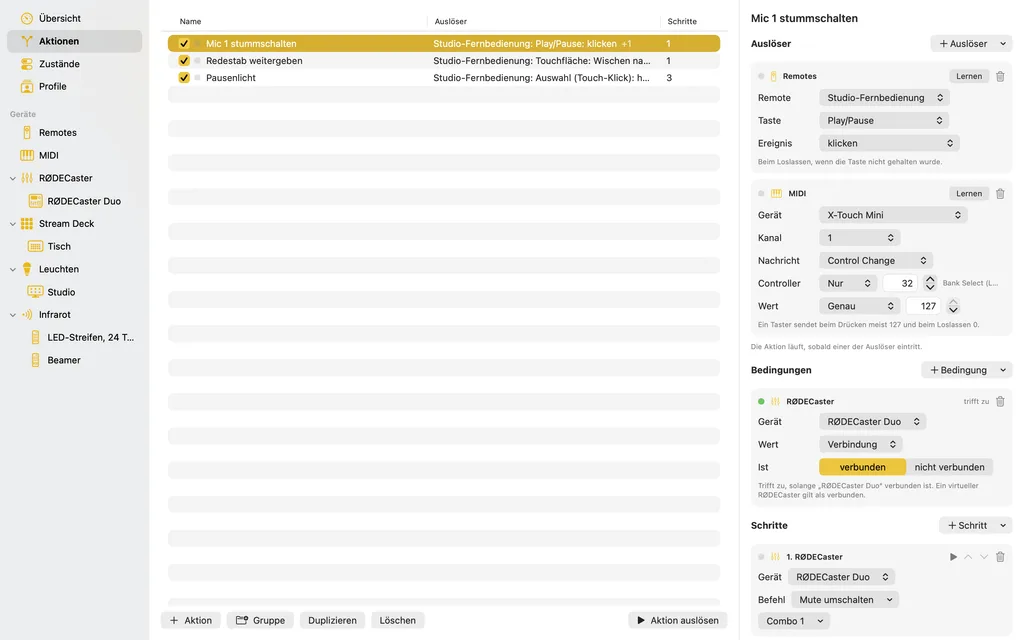
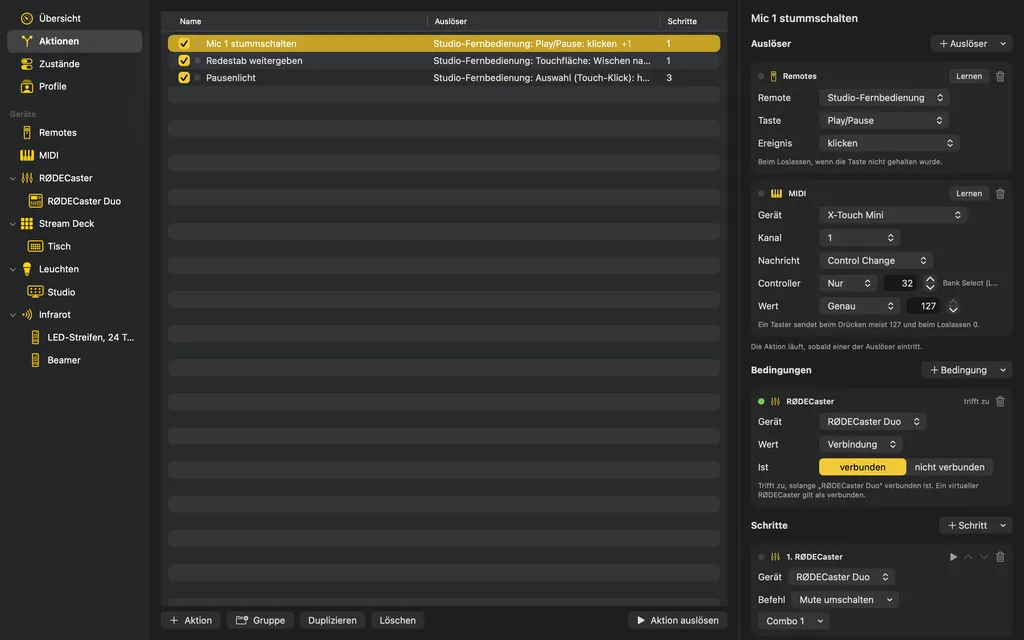
Actions
When this happens, do that
The remote control for the whole studio.
App for macOS
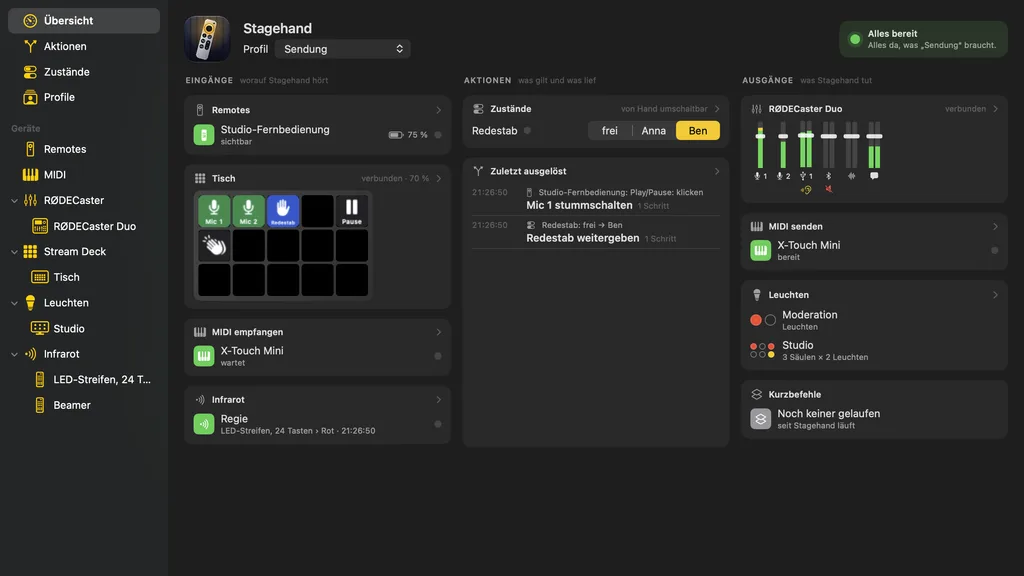
Stagehand turns Siri Remotes, Stream Decks, MIDI controllers and infrared remotes into a control surface for RØDECaster, MIDI, lights and shortcuts.
Stagehand turns a remote control into a control surface for the studio. A button press or a swipe on a Siri Remote, a key of a Stream Deck, a MIDI message or a key of an infrared remote triggers what you have set up beforehand: a RØDECaster mutes a microphone, a MIDI command goes out, a light turns red, a shortcut runs – or all of these in a row.
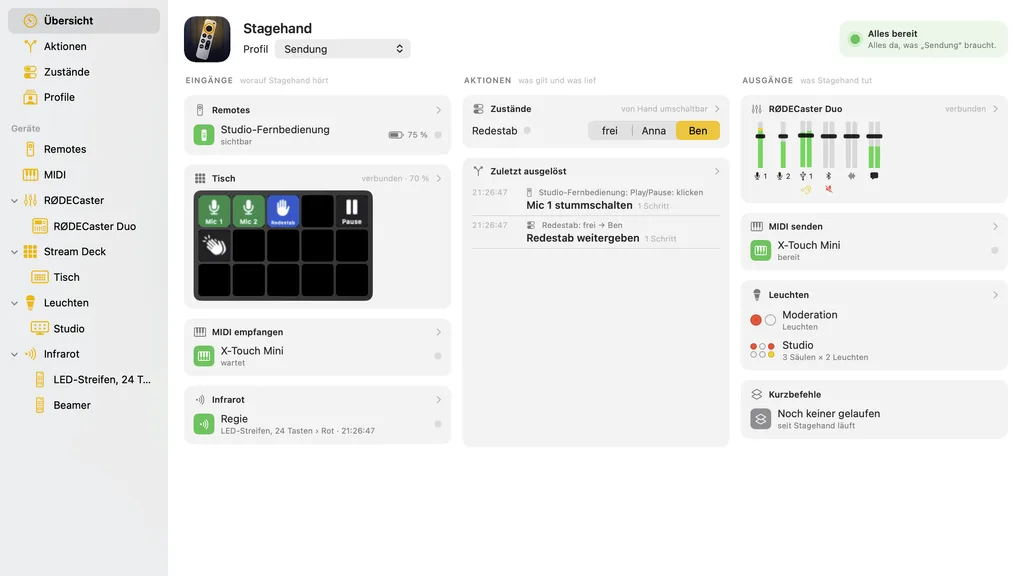
The overview is an instrument panel: what Stagehand listens to right now, what holds, what was triggered last and what Stagehand does. When something the active profile needs is missing, a warning sign in the title bar says so, and a click leads to where you fix it.
Stagehand drives the devices itself, without their makers' software, and only the ones you added to its lists. Its interface is in German; the built-in help is in German and English and translates every label it names.
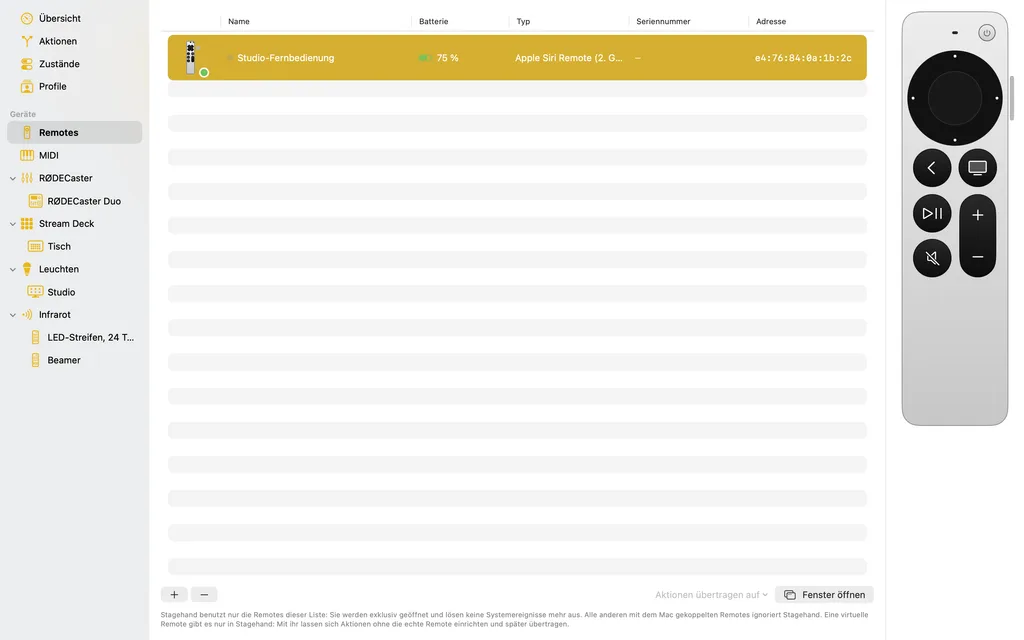
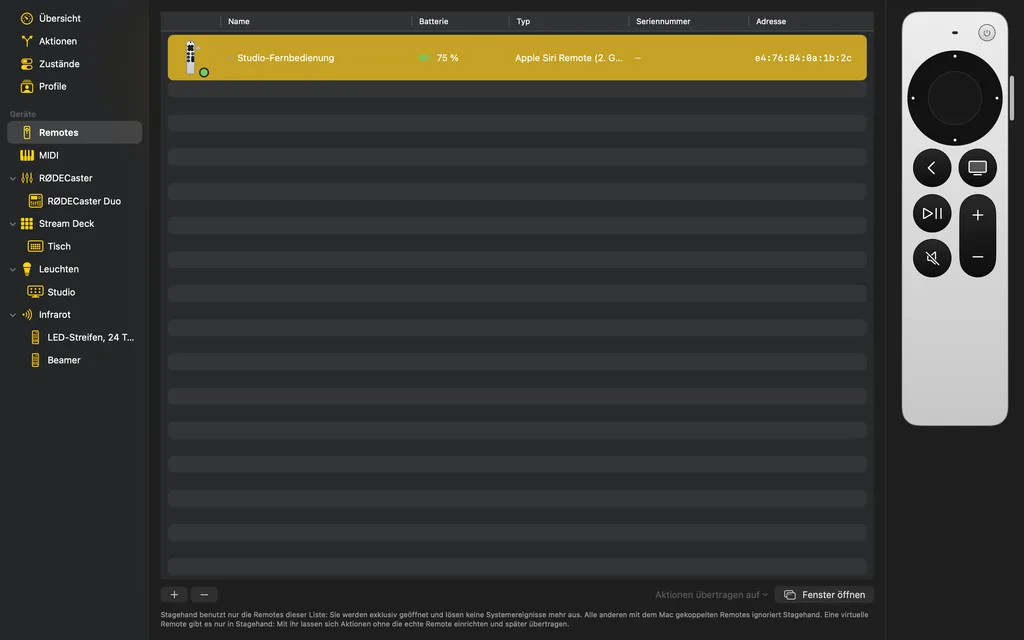
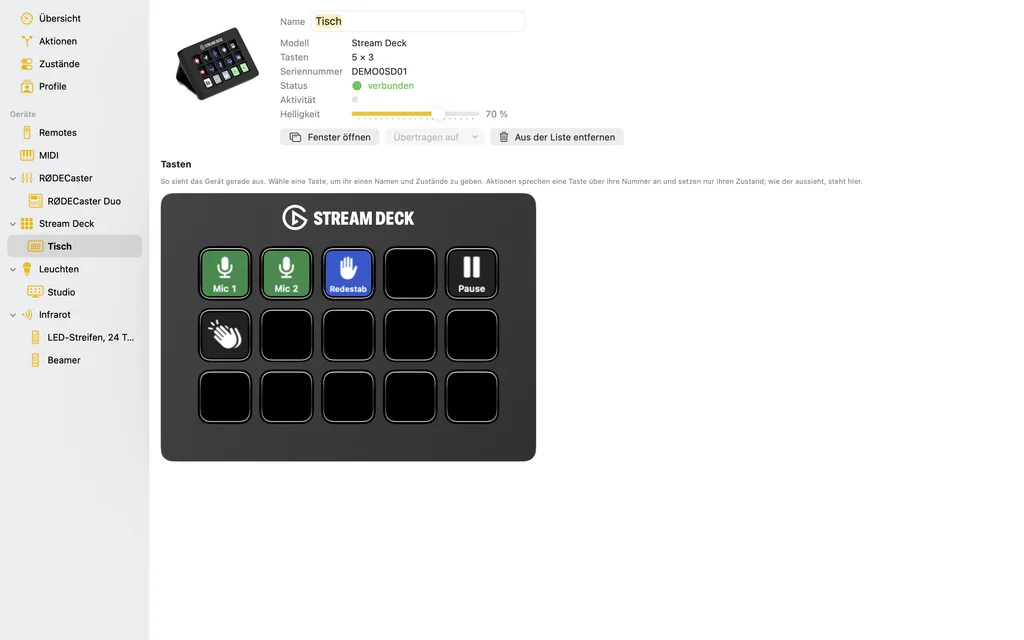
The pictures on this page were drawn by Stagehand itself, with a made-up studio: a show with Anna, Ben and Clara, a RØDECaster Duo, a Stream Deck and a Siri Remote.
Stagehand is in the works. Subscribe to the feed to hear about the first release.
An action connects triggers with steps: when this happens, run these steps. Conditions in between say when not. An action has as many triggers as you like, so the same steps hang on a remote's button, a pad and a Stream Deck key at once.
Remote controls connected to the Mac become input devices: every button, every gesture on the touch surface, every direction of a stick or of a SpaceMouse's cap.
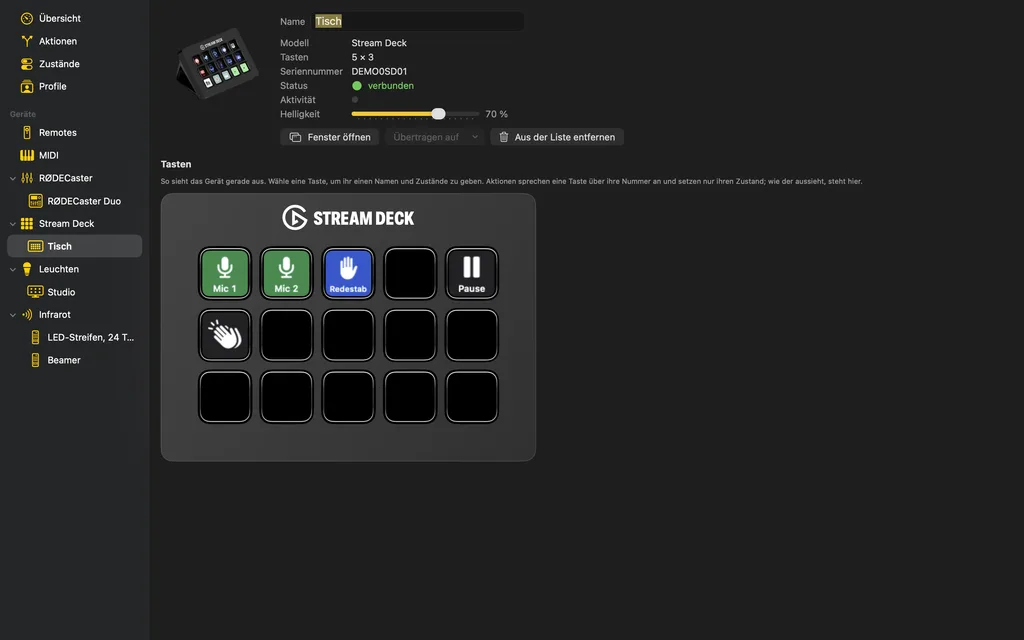
To Stagehand an Elgato Stream Deck is keys and small screens at once: the keys trigger actions, and steps show on them what holds right now – “Mic 1” green while it is open, red as soon as it is muted.
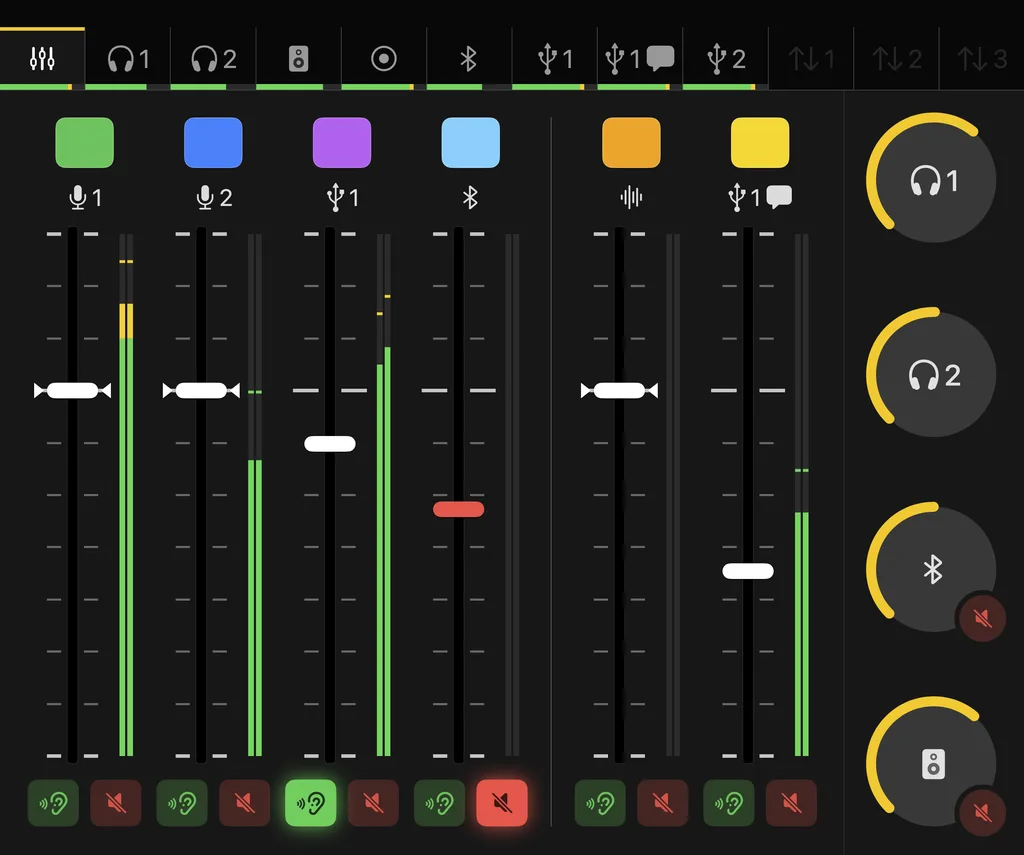
Stagehand controls the RØDECaster Pro II and the RØDECaster Duo over USB: mute, listen, levels and volumes as steps, changes on the desk as triggers, and a mixer window that shows the device as it stands.
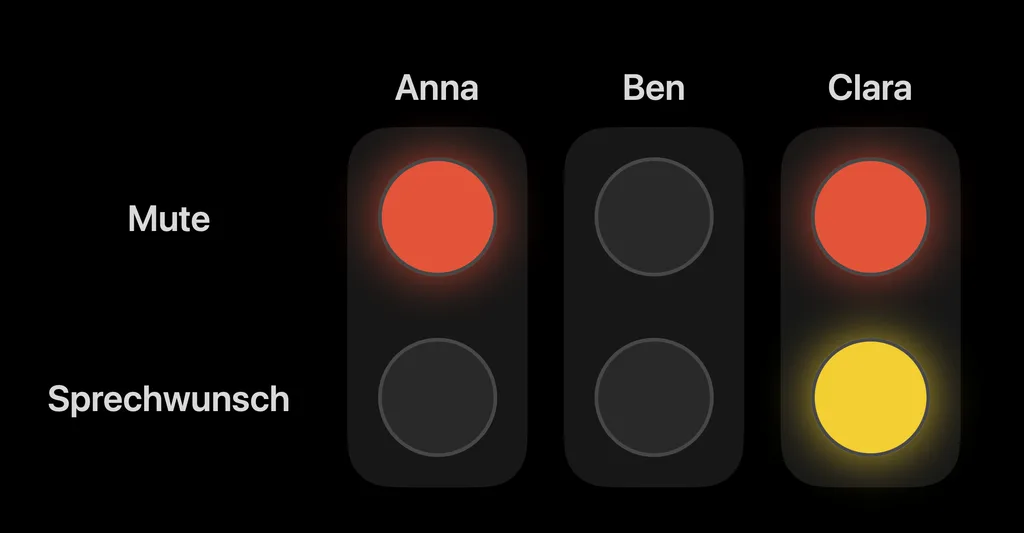
Lights show what holds right now: a blink(1) as the red light at the studio door, light boards as status lights for every person at the table, on a second screen or a projector.
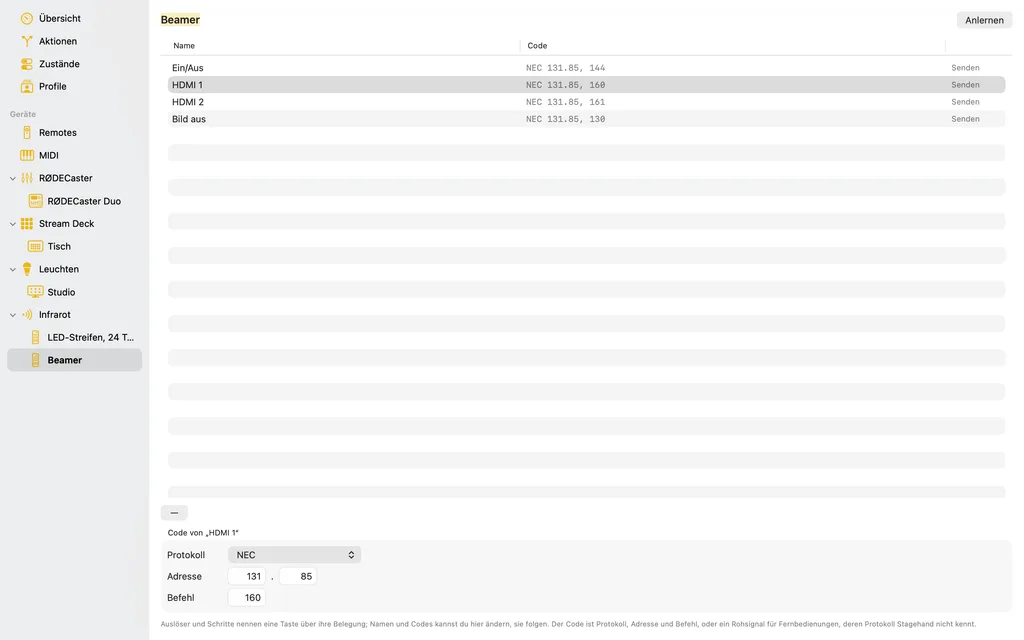
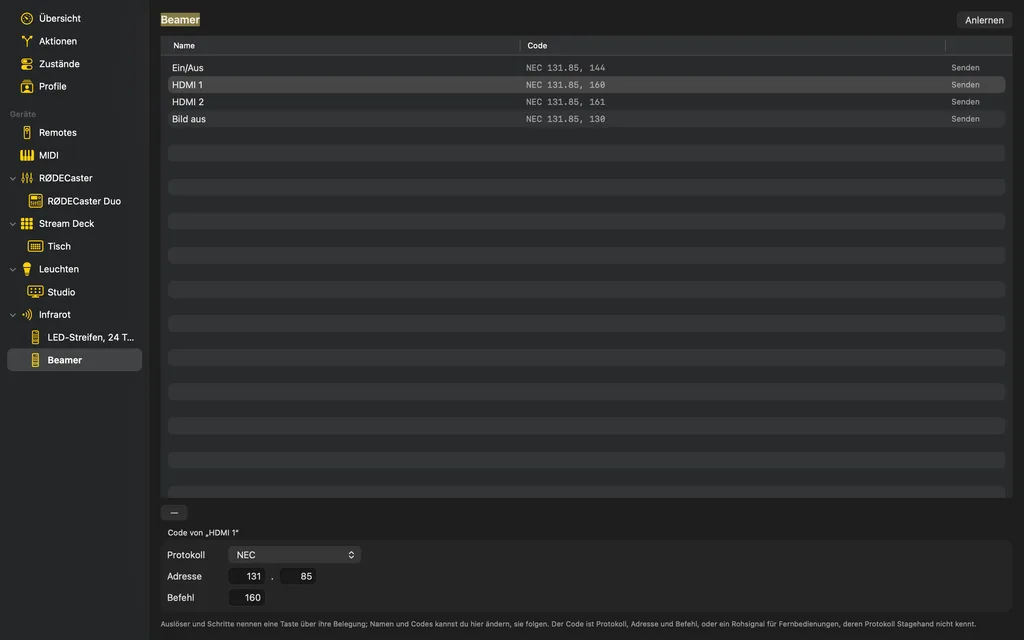
With a second-generation Flirc, Stagehand receives and sends infrared. Every key of every infrared remote in the room becomes a trigger, and a step switches anything that listens to infrared: projectors, TVs, AV receivers, LED strips.
When this happens, do that
Siri Remote, game controller, SpaceMouse
Keys that show what holds
Remote control for the RØDECaster
A red light at the door, status lights on the projector
Every remote in the room
Markers for what holds
MIDI in both directions
One setup per show
As you expect it on the Mac
We can't find the internet
Attempting to reconnect
Something went wrong!
Attempting to reconnect