Stream Deck
Keys that show what holds
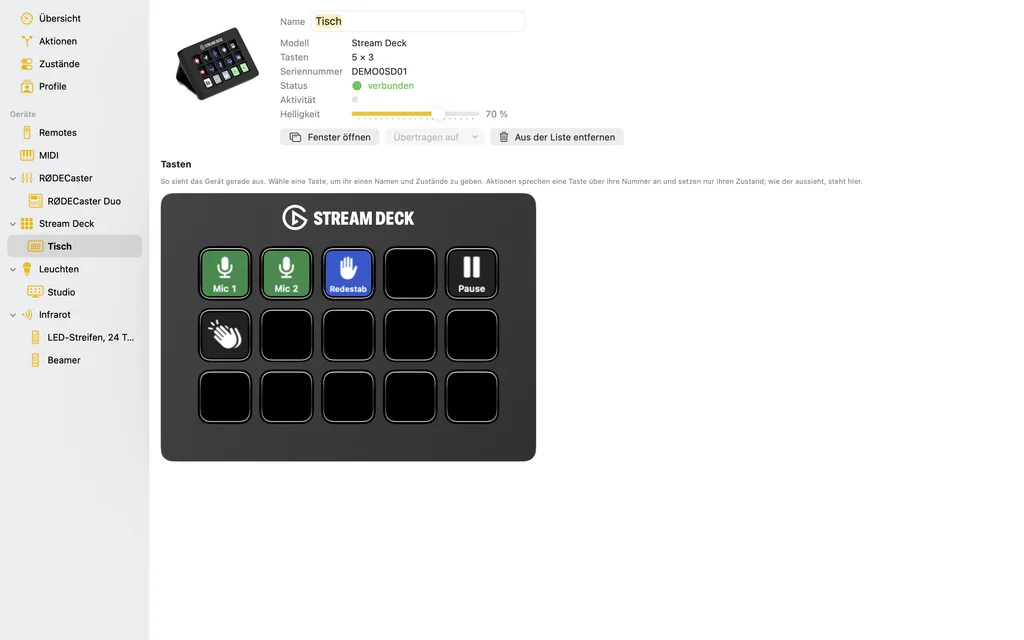
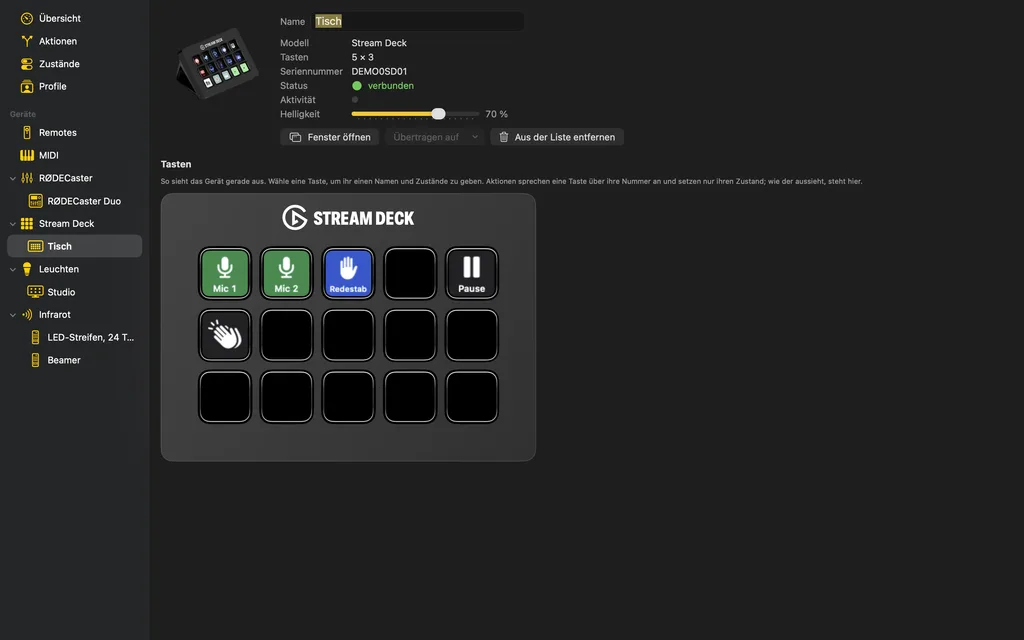
To Stagehand an Elgato Stream Deck is keys and small screens at once: the keys trigger actions, and steps show on them what holds right now – “Mic 1” green while it is open, red as soon as it is muted.
States
A key has named states, each with a symbol from the SF Symbols, a text and two colours. Steps set a state or step it on; two states make a switch. How a pressed key looks, and one whose action cannot work right now, Stagehand derives itself, the font size too. When a key changes its state, that can trigger actions in turn.
Rearranging
Drag a key onto another and the two swap places, together with everything they trigger. With ⌥ it copies, as do ⌘C and ⌘V, between two Stream Decks too.
Devices
Stream Deck, Stream Deck XL and Stream Deck Mini, several at once, each with a page of its own. Stagehand talks to them directly, without Elgato's software, and leaves nothing in their memory. A virtual Stream Deck can be pressed with the mouse in its window, and „Übertragen auf“ (transfer to) later hands its keys over to the real one.