Remotes
Siri Remote, game controller, SpaceMouse
Remote controls connected to the Mac become input devices: every button, every gesture on the touch surface, every direction of a stick or of a SpaceMouse's cap.
Models
| Remote | what it brings |
|---|---|
| Apple Siri Remote, all three generations | touch surface: tap, swipe in four directions, rest a finger |
| Amazon Fire TV Remote (CV98LM) | buttons |
| Nintendo Switch Pro Controller | 26 buttons including the sticks; rumble and four LEDs as a step |
| 3Dconnexion SpaceMouse Compact, Pro, Wireless and SpaceNavigator | every direction of the cap as a button, the SpaceMouse Pro with 15 buttons; the status LED as a step |
The third-generation Siri Remote, the SpaceNavigator and the SpaceMouse Wireless are supported but not yet tried on real hardware.
Click, hold, release
Every button knows „klicken“ (click), „halten“ (hold) and „nach Halten loslassen“ (release after holding), plus „Taste unten“ (button down) without any delay. So a button does one thing pressed briefly and another held long, or it becomes a cough button that mutes only while it is down.
Only what is on the list
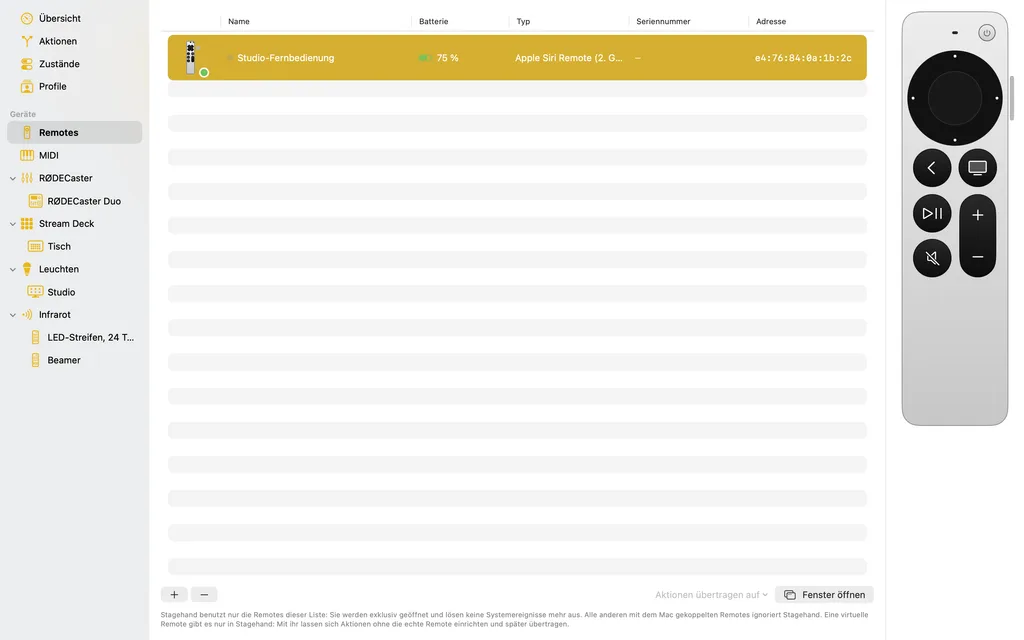
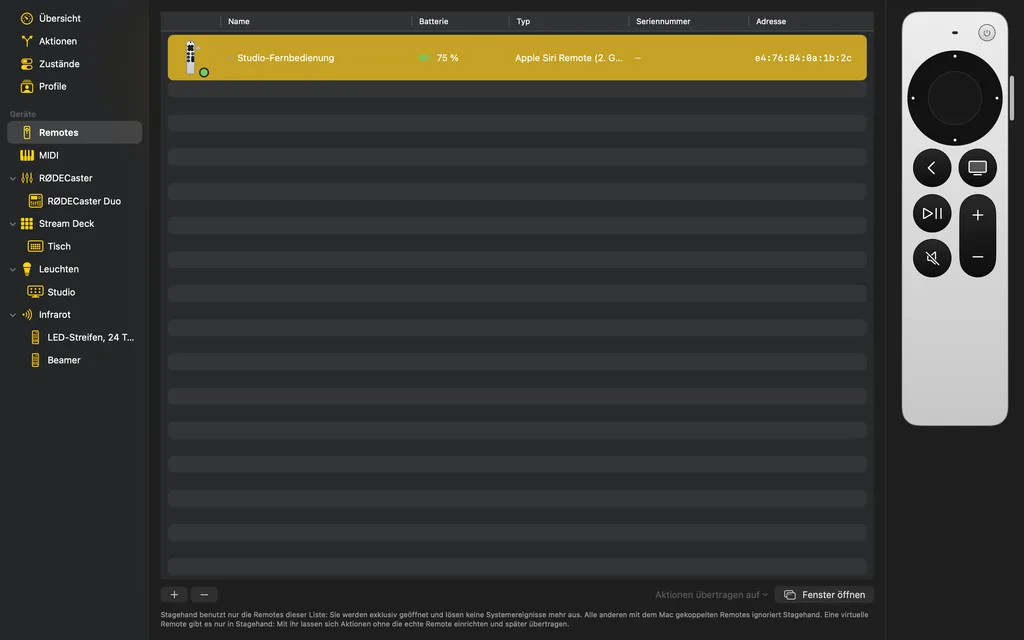
Stagehand uses only the remotes you added, and opens them for itself alone: Play/Pause no longer starts music. Other remotes keep controlling the Mac. The lamp in front of the name shows which remote you are holding, and the menu bar shows the battery level.
Virtual remotes
A virtual remote exists only in Stagehand. With it you set up actions and try them with the mouse without having the remote at hand, in a window of its own too. „Aktionen übertragen auf“ (transfer actions to) later hands everything over to the real one, or to a replacement if the old one gets lost.